Notion Integration
Connect Anotum to Notion and send your books, highlights, and notes into your workspace automatically.
This guide walks you through connecting Anotum to Notion so your highlights and notes can sync automatically into your workspace.
📍 Important We will create a "Anotum Internal Sync" database next to the "Anotum Books" database. It is crucial that you do not delete it or subsequent syncs will fail.
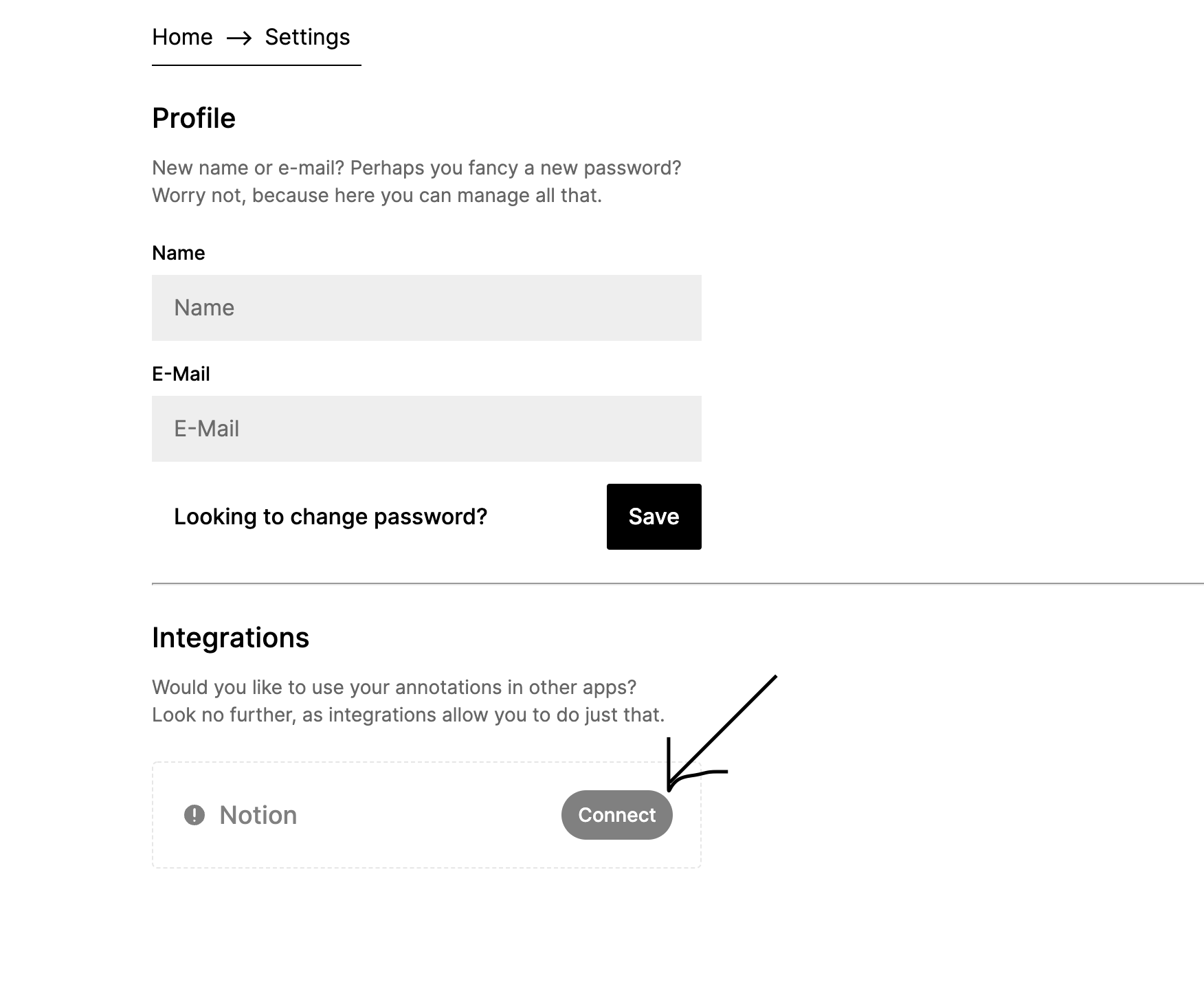
1. Navigate to the settings page & connect
Navigate to the Anotum settings page, either through the UI (click the cog in the bottom-left side, then select “Settings”) or by going directly to anotum.com/settings.
From here, scroll down to “Integrations” and, on the item which says “Notion” click “Connect”.
2. Select the appropriate Notion pages
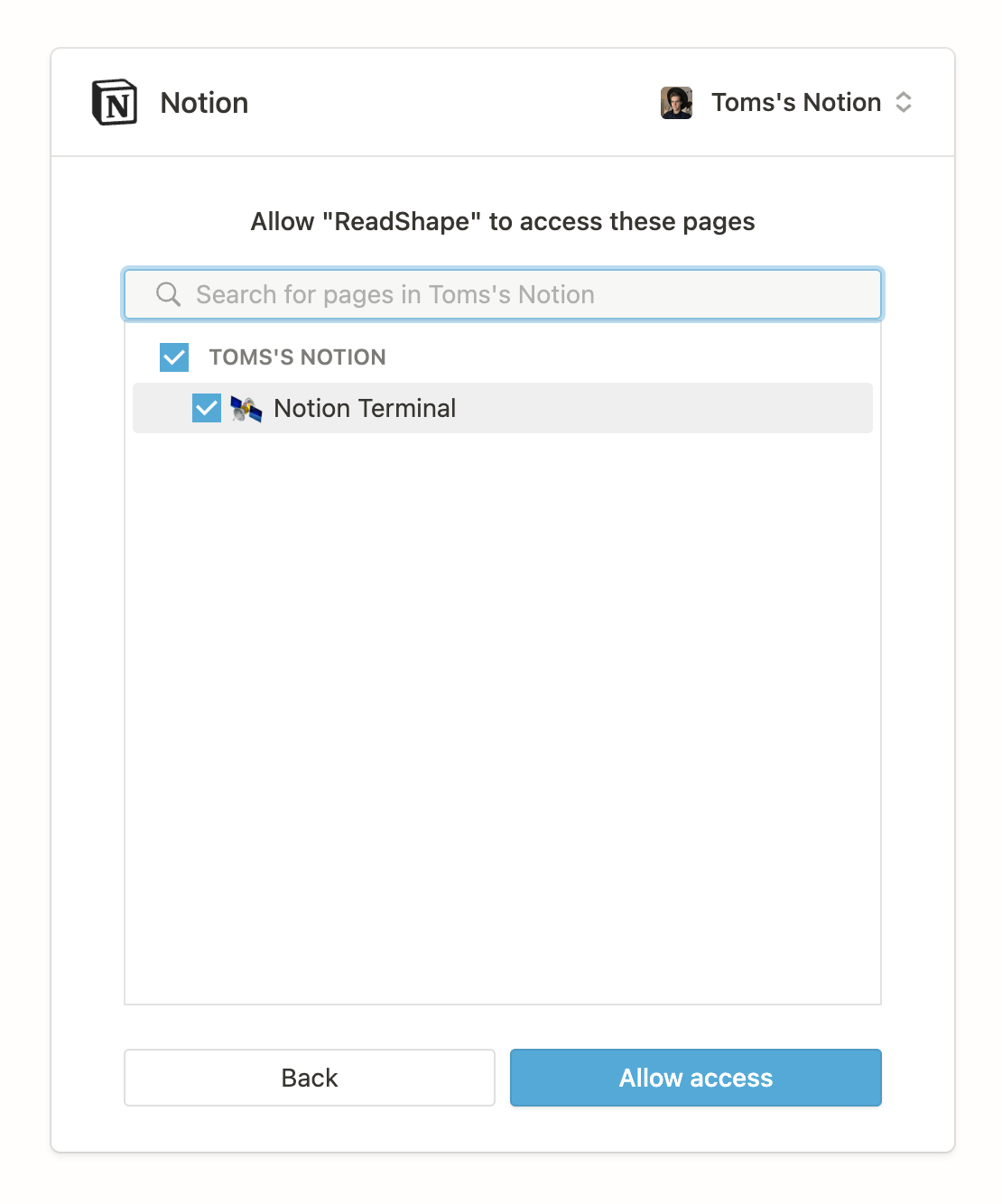
You’ll be redirected to the Notion authorization page. Here, you need to select the pages to which Anotum will be granted access to.
3. Back to Anotum
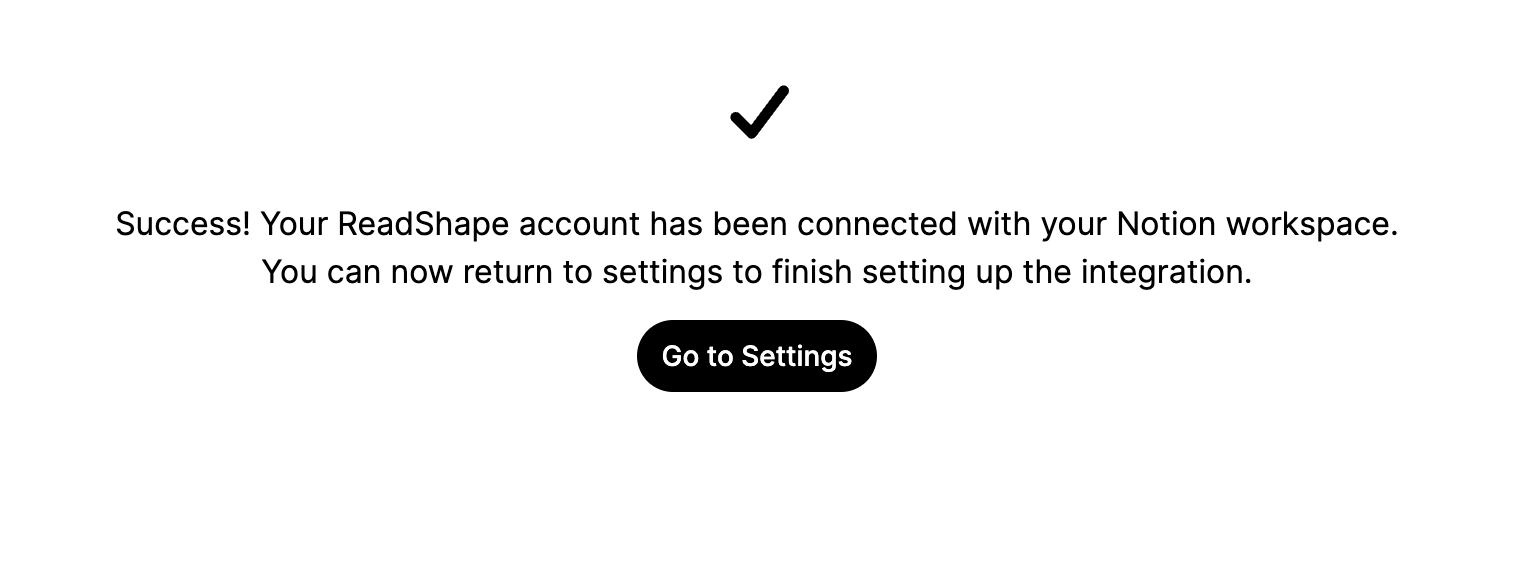
Now, if everything went smoothly, you should be redirected back to Anotum, where we assure you that everything went according to plan.
Here, click the “Go to Settings” button to return back to the settings page.
4. Finish the set-up
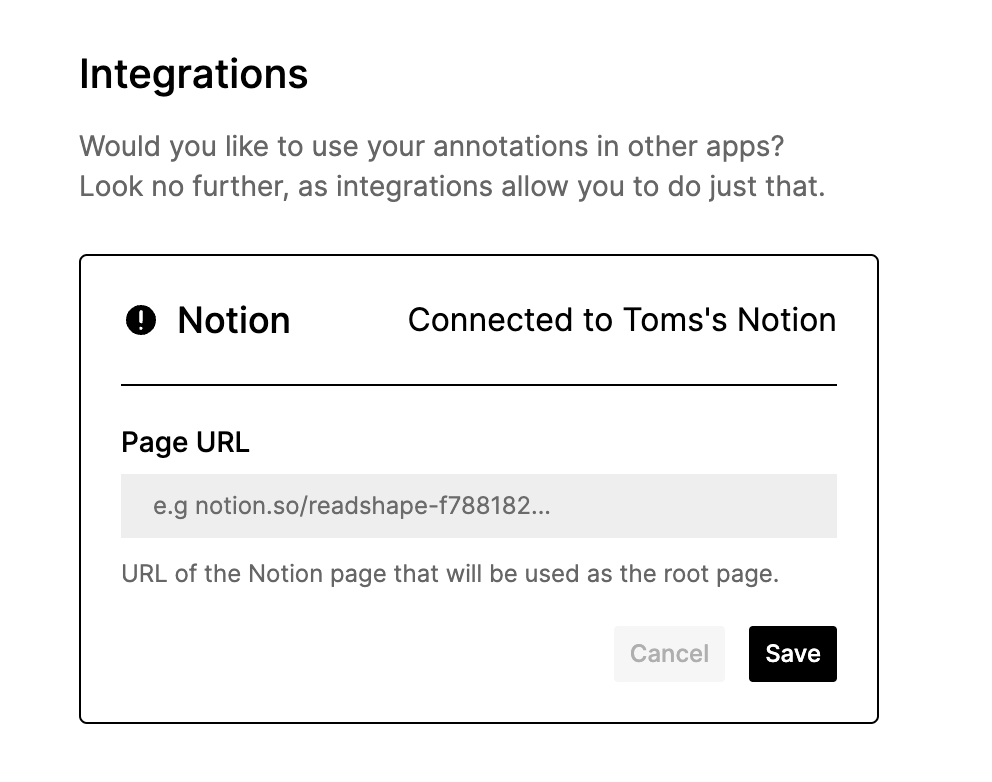
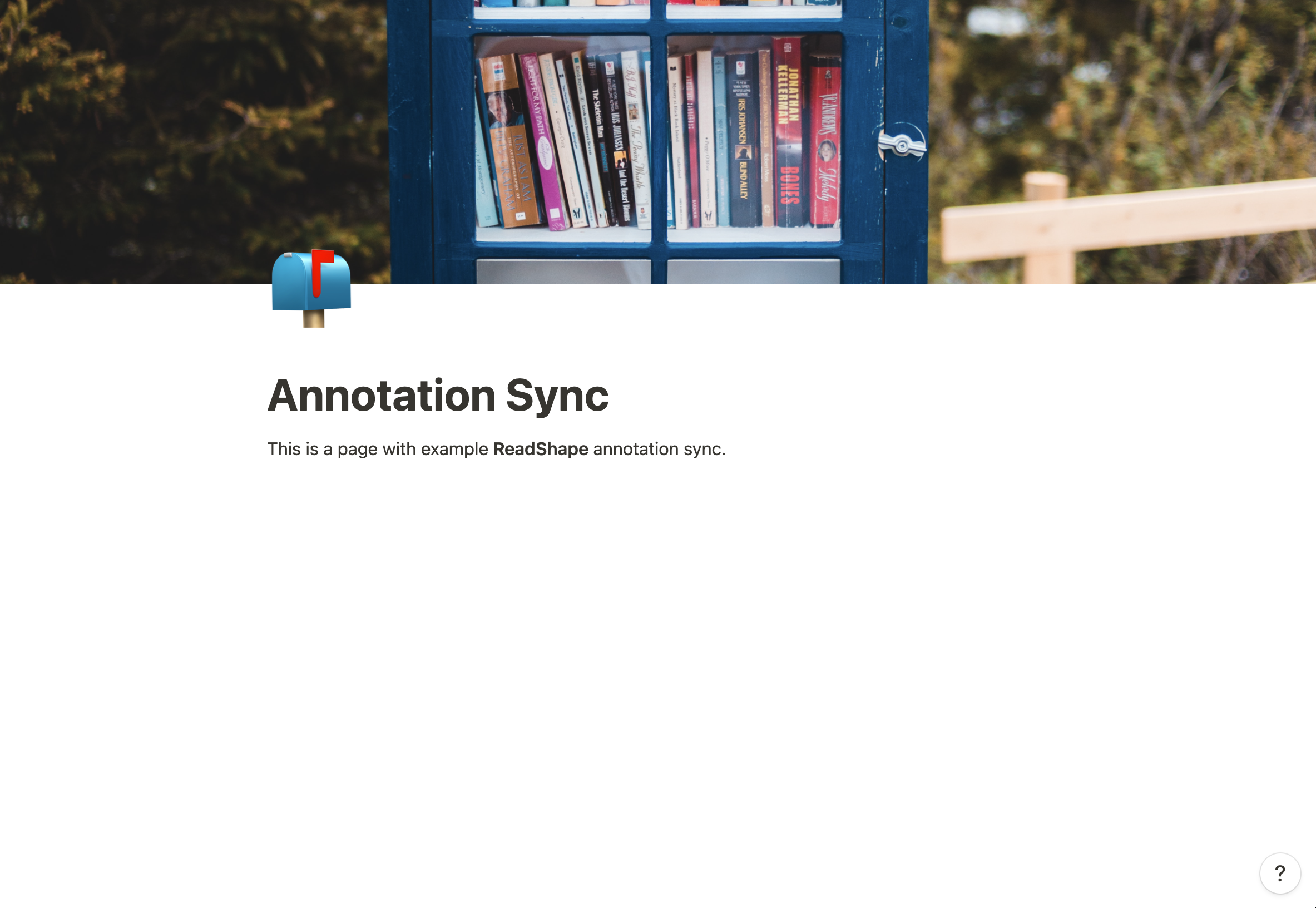
One last thing remains, which is that we need you to give us a link to the exact Notion page in which we should create the Notion database of books.
💡 This page must be either the page you granted access to or a sub-page of it.
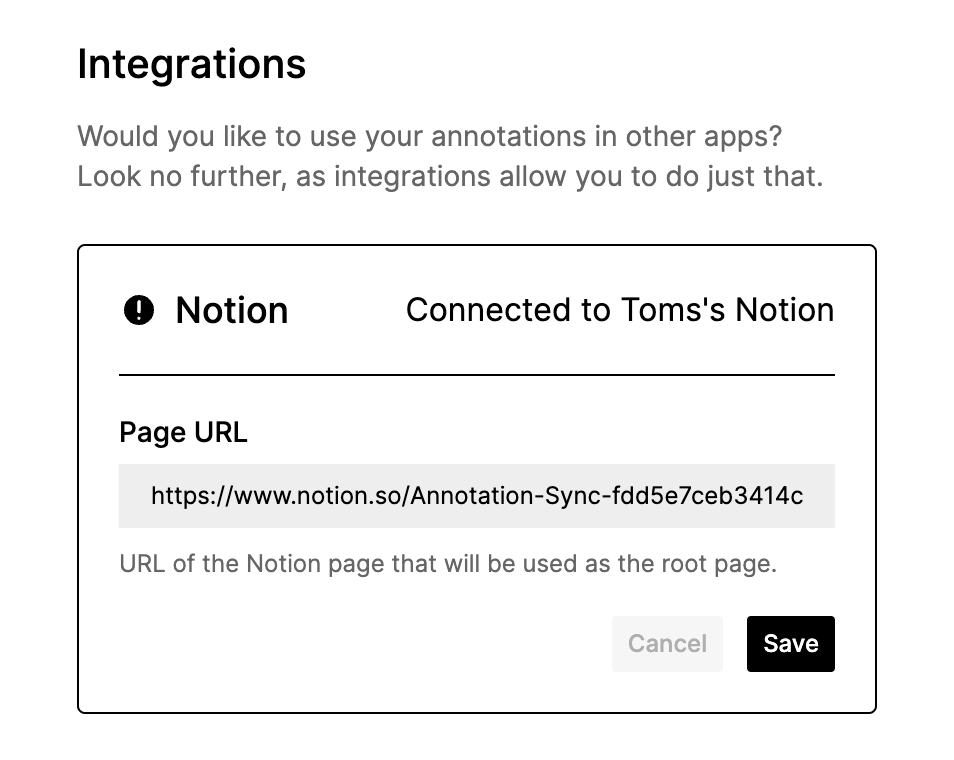
1. You’ll be presented with this view in which you need to give us the URL of the Notion page.
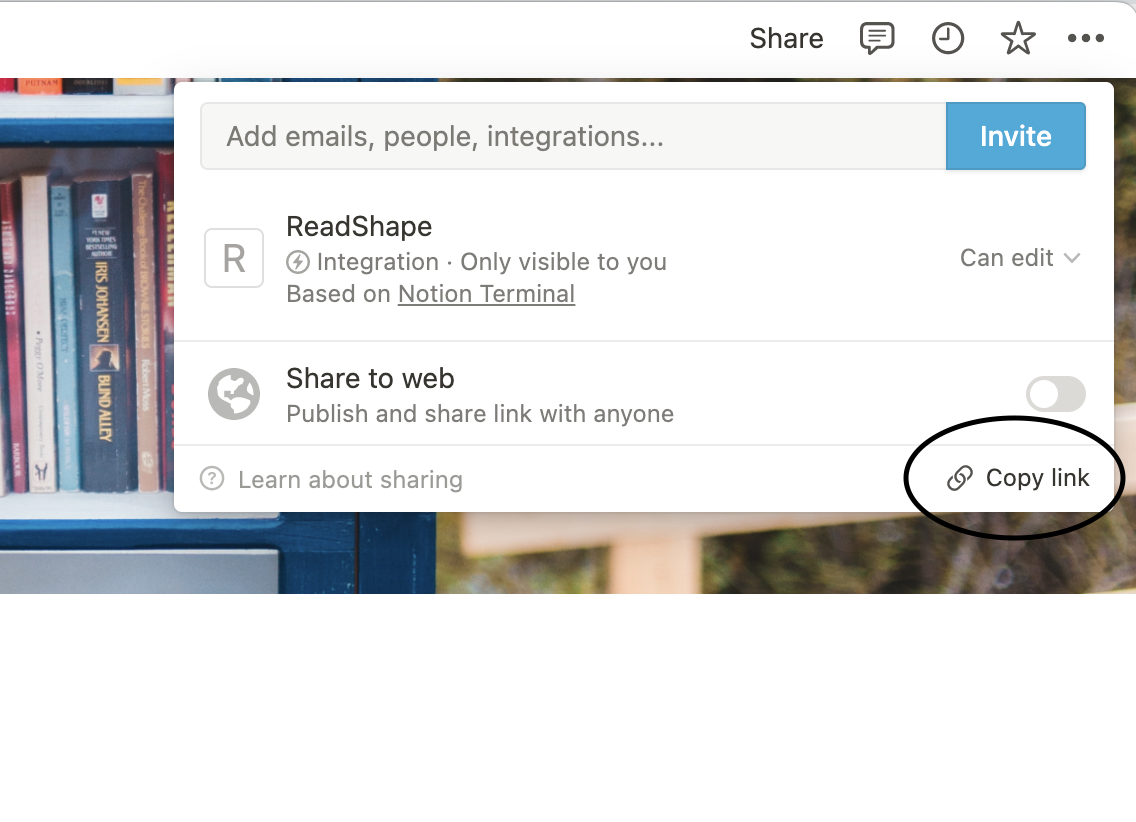
2. Here, go to Notion and in the “Share” menu in the upper-right corner click “Copy link”
3. Return to Anotum, paste in the link and click “Save”.
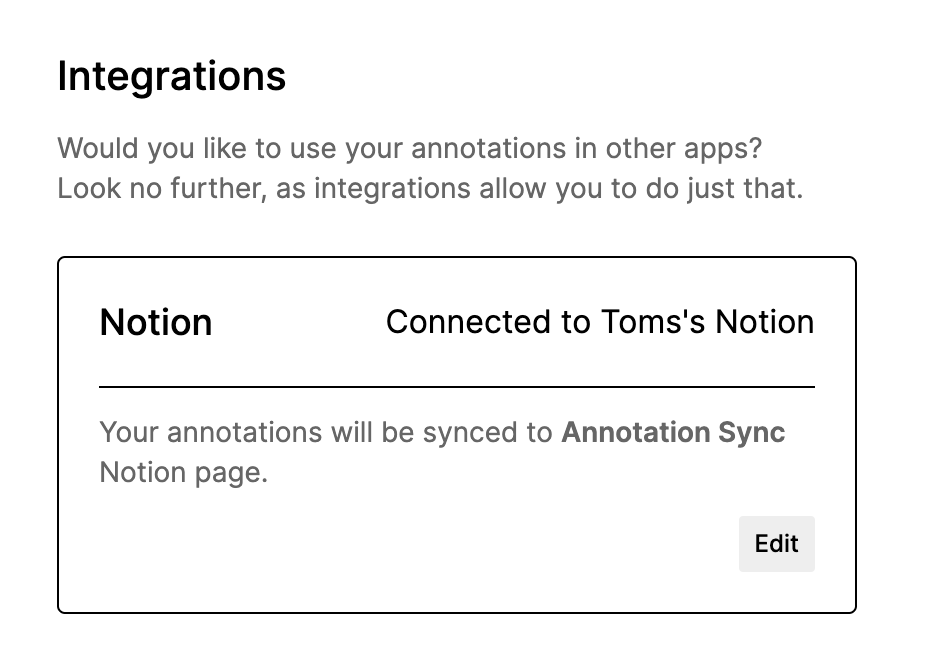
5. That’s it!
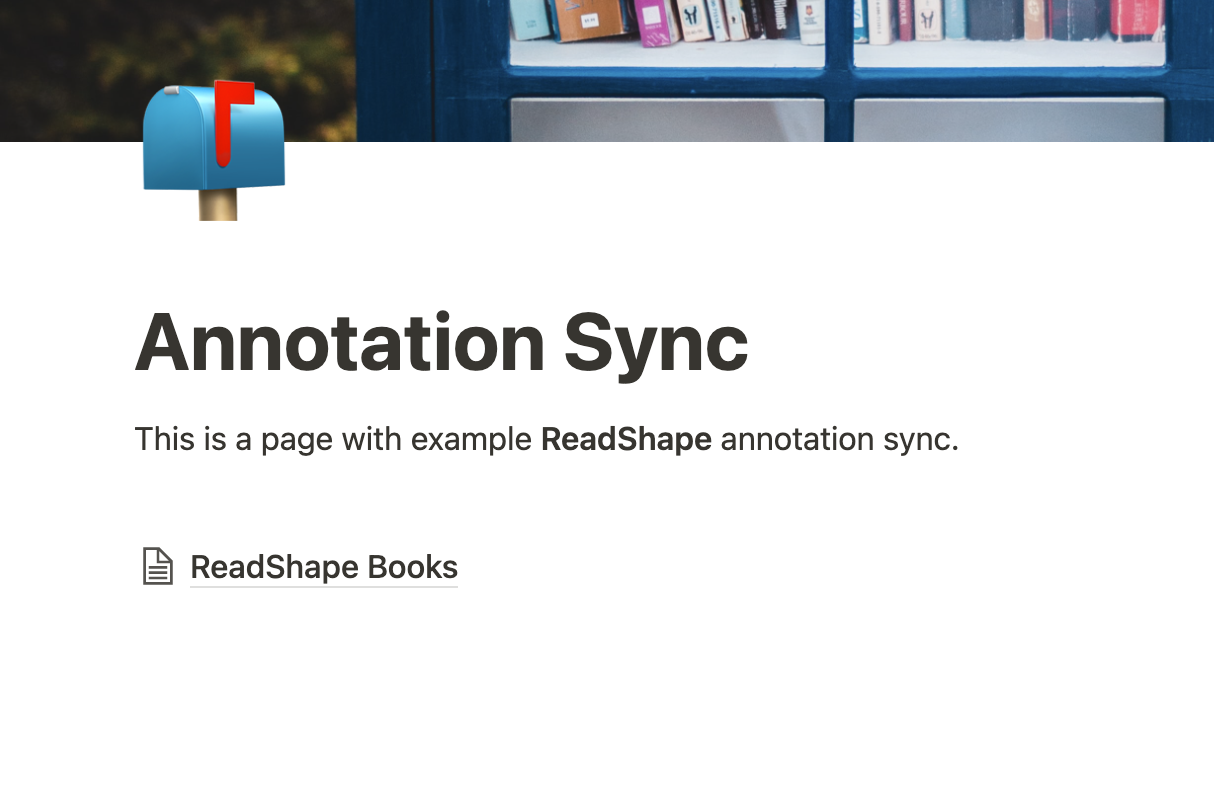
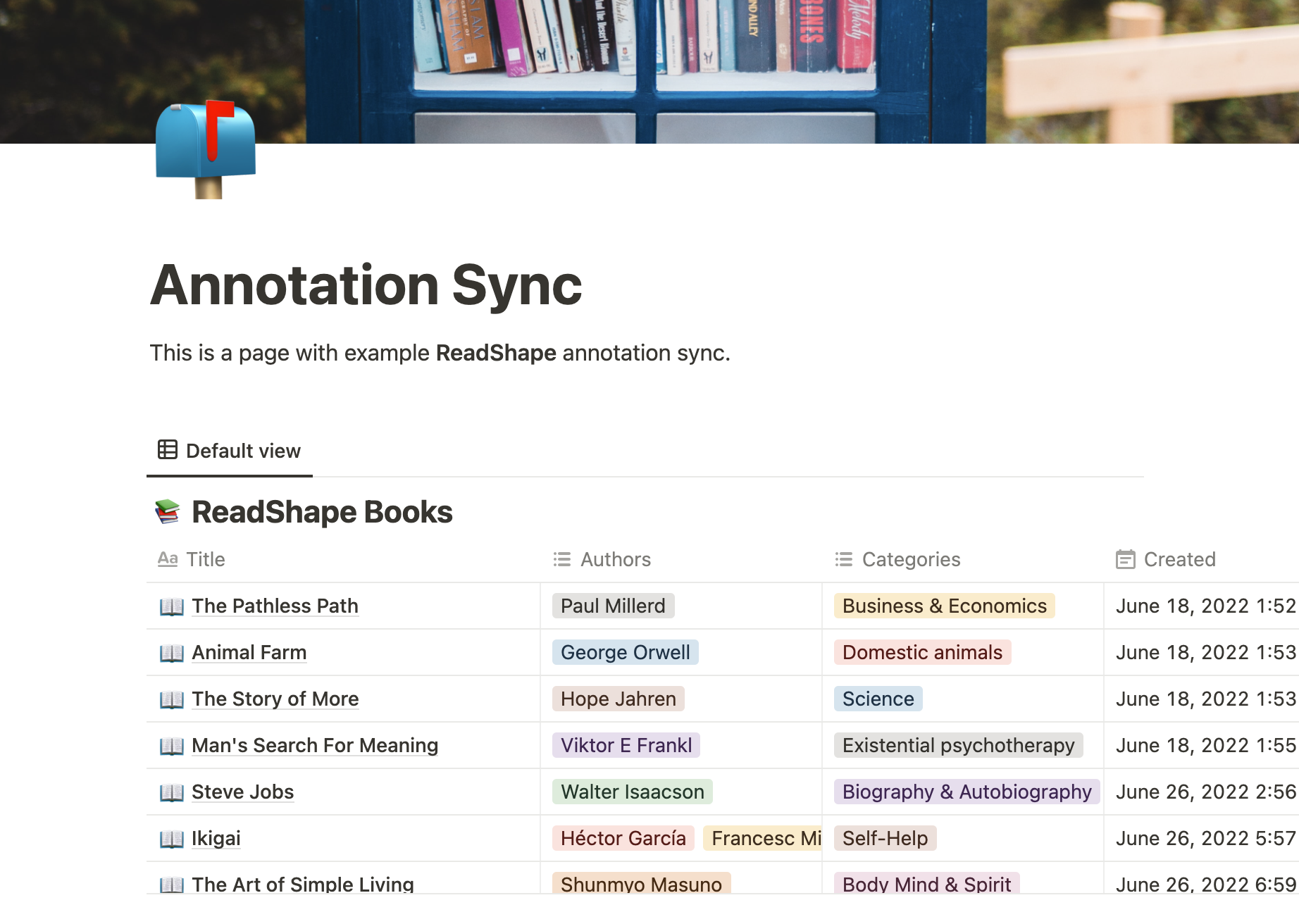
That’s it! You should now see a Notion database created in the page you provided and your books being added to it one-by-one.
Now you can modify the database if you wish by e.g inlining it, giving it an icon, or changing title. It is important not to change any of the existing properties as that might cause trouble in future re-syncs.
6. Any issues?
Did you run into any issues that you cannot figure out? Feel free to E-Mail us at help@anotum.com or by E-Mailing me personally at tbu@anotum.com.
Frequently asked questions
Will Anotum create a Notion database for me?expand_more
Yes. Anotum creates the required database structure in the Notion page you choose and keeps it in sync.
Which Notion page should I share with Anotum?expand_more
Share the page you want Anotum to use, or a parent page whose sub-page will contain the Anotum database.
Will Anotum automatically handle updates?expand_more
Yes. We will handle new highlights being added or updated in Anotum. We will only touch the part of the Notion page that needs to be modified.
Does Anotum delete and recreate the Notion pages on updates?expand_more
No. We only create the pages when they are missing. If you add highlights or update highlights we will only update the section in the book's Notion page related to those specific highlights.