Import using the Kobo on device app
Install an application directly onto your Kobo which will sync highlights with Anotum automatically.
📦 Version Note: Currently this will only work on Kobo devices running firmware 4.x (current LTS)
Once firmware 5.x is fully released we will be sure to support that too.
🛜 Network Note: For this set up to work you need your computer or phone to be on the same wifi network as the kobo.
It will not work on public networks such as those in cafes, libraries, etc.
1. Download the app & install it on your Kobo
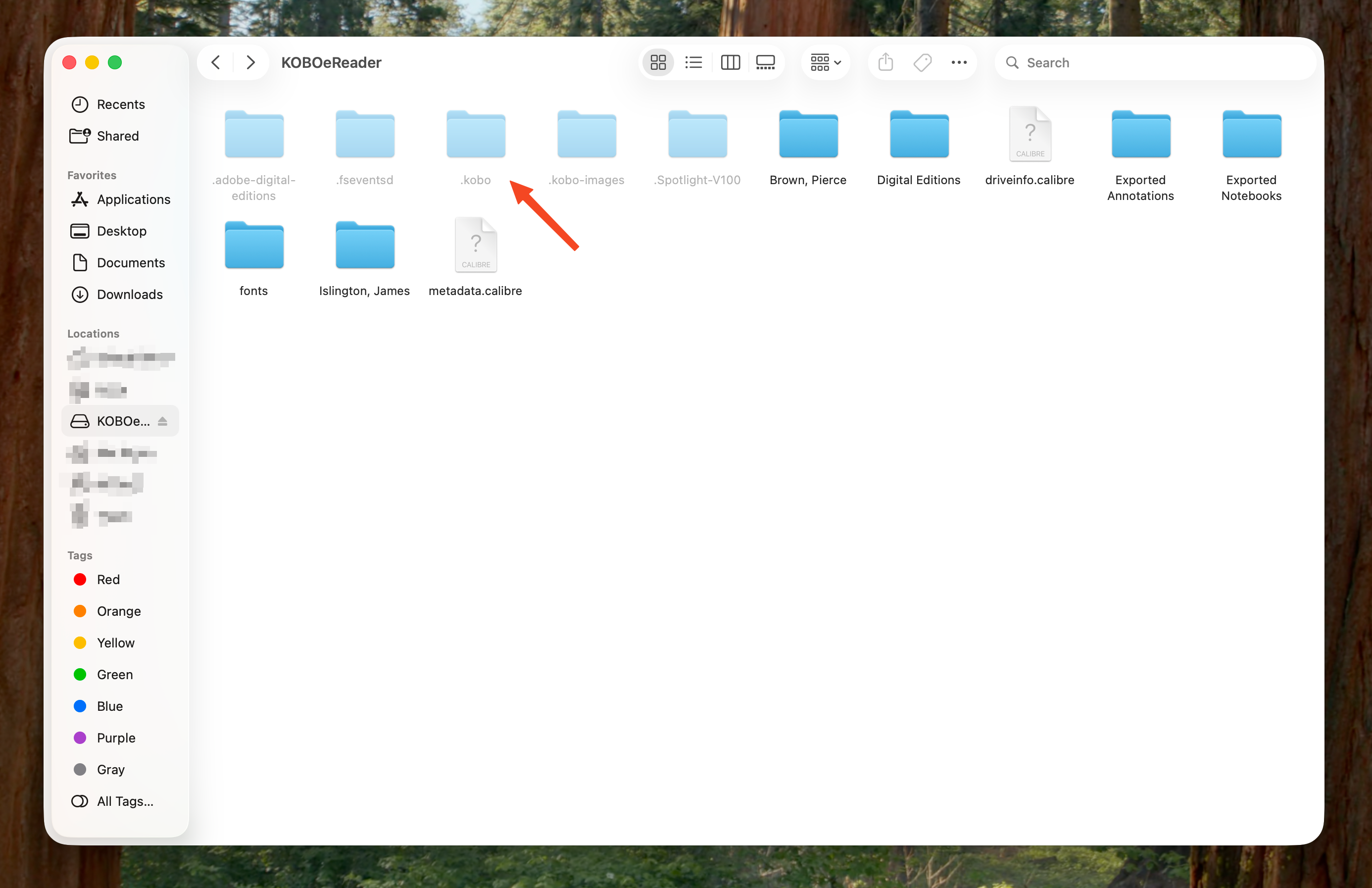
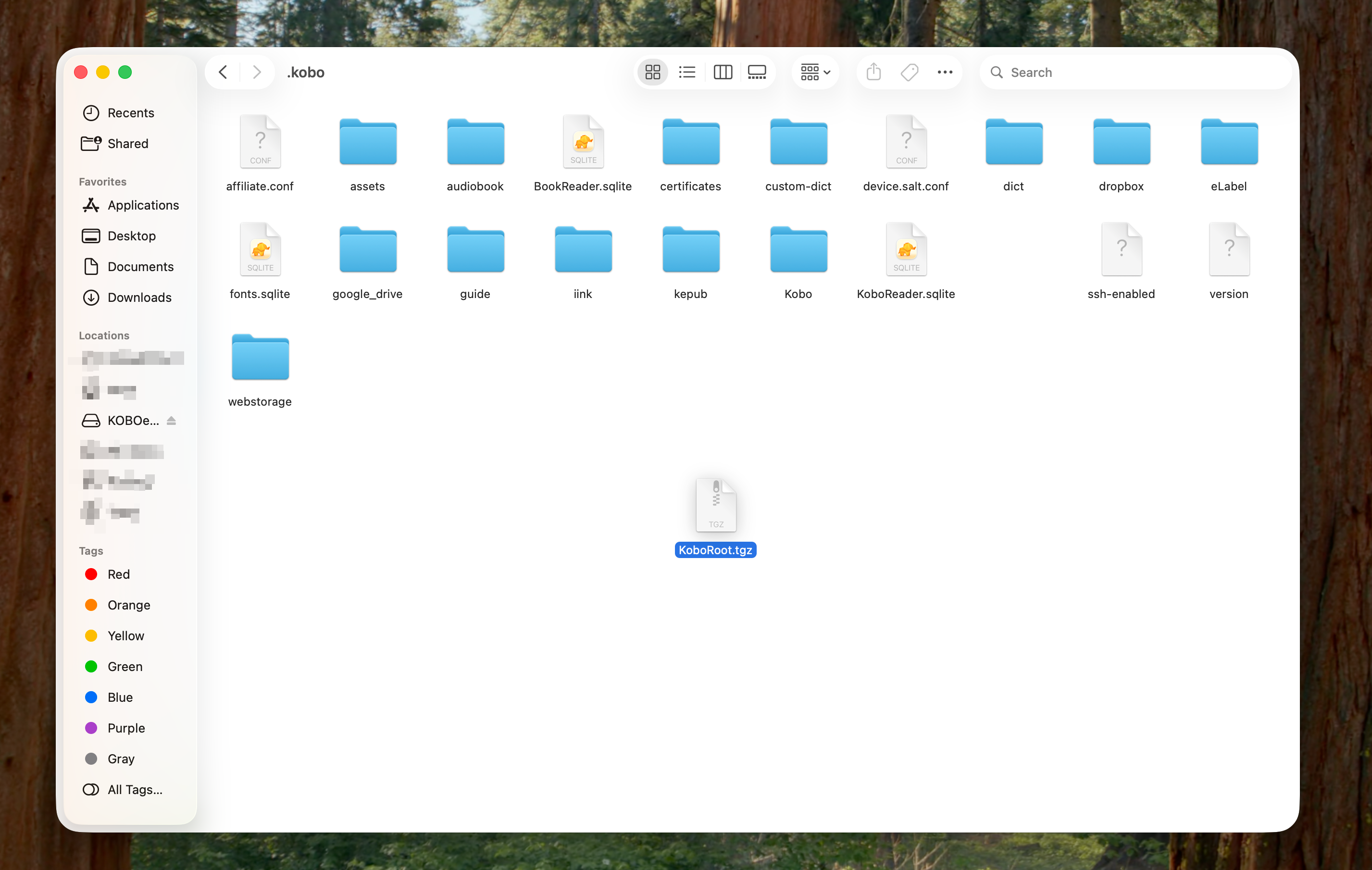
Download this document and unzip it. Plug your Kobo in and drag the KoboRoot.tgz into the .kobo directory on your Kobo.
Eject the device and wait for it to update.
ℹ️ Note If you do not see the
.kobofolder, your computer likely hides "hidden files". Press Command + Shift + Period on a Mac or View -> Hidden Items on Windows.
2. Authorize the Kobo with your Anotum account
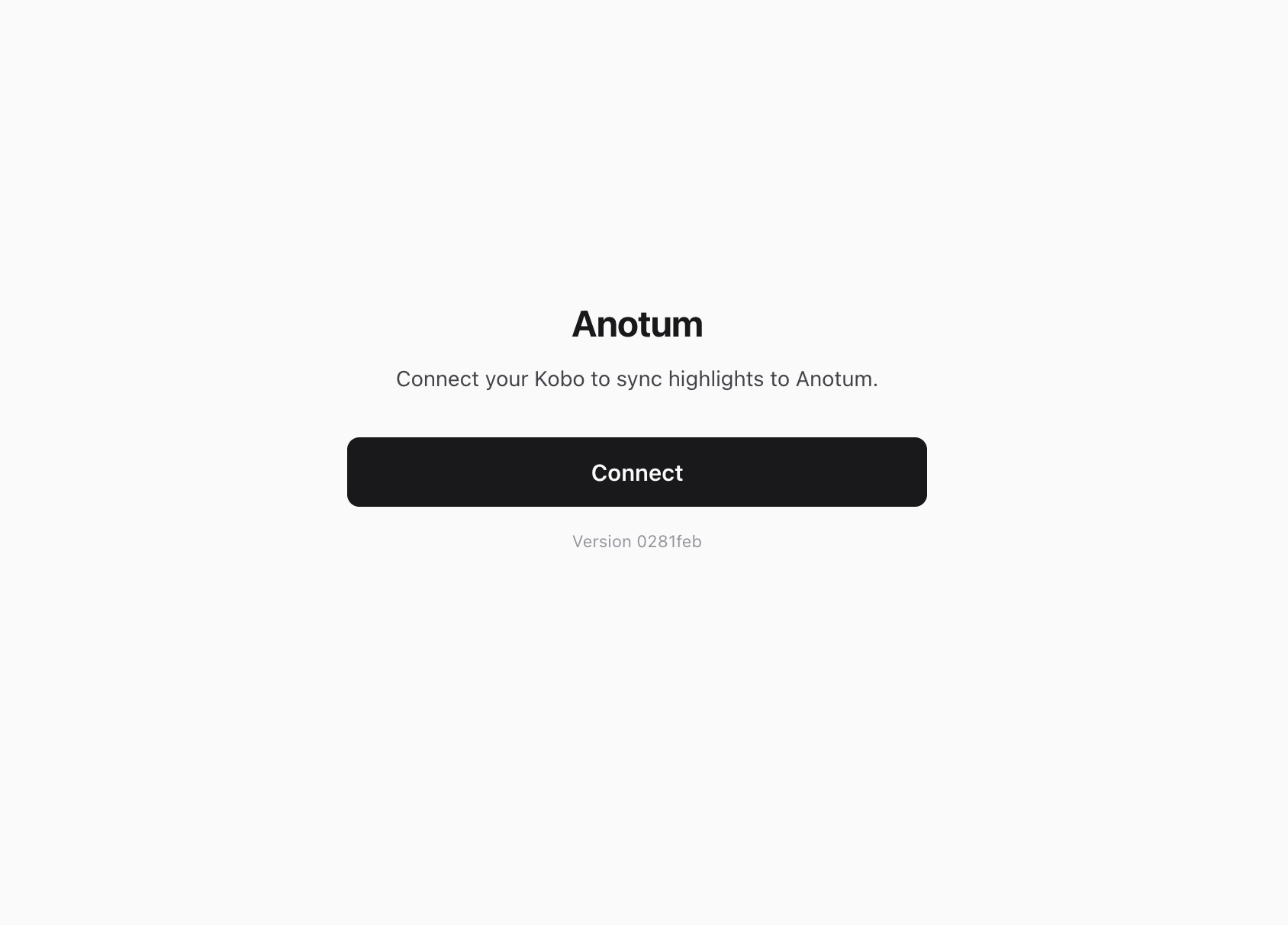
Now, after the Kobo has updated and restarted wait for it to connect to your wifi network. After a few seconds proceed to the URL kobo.local:5626.
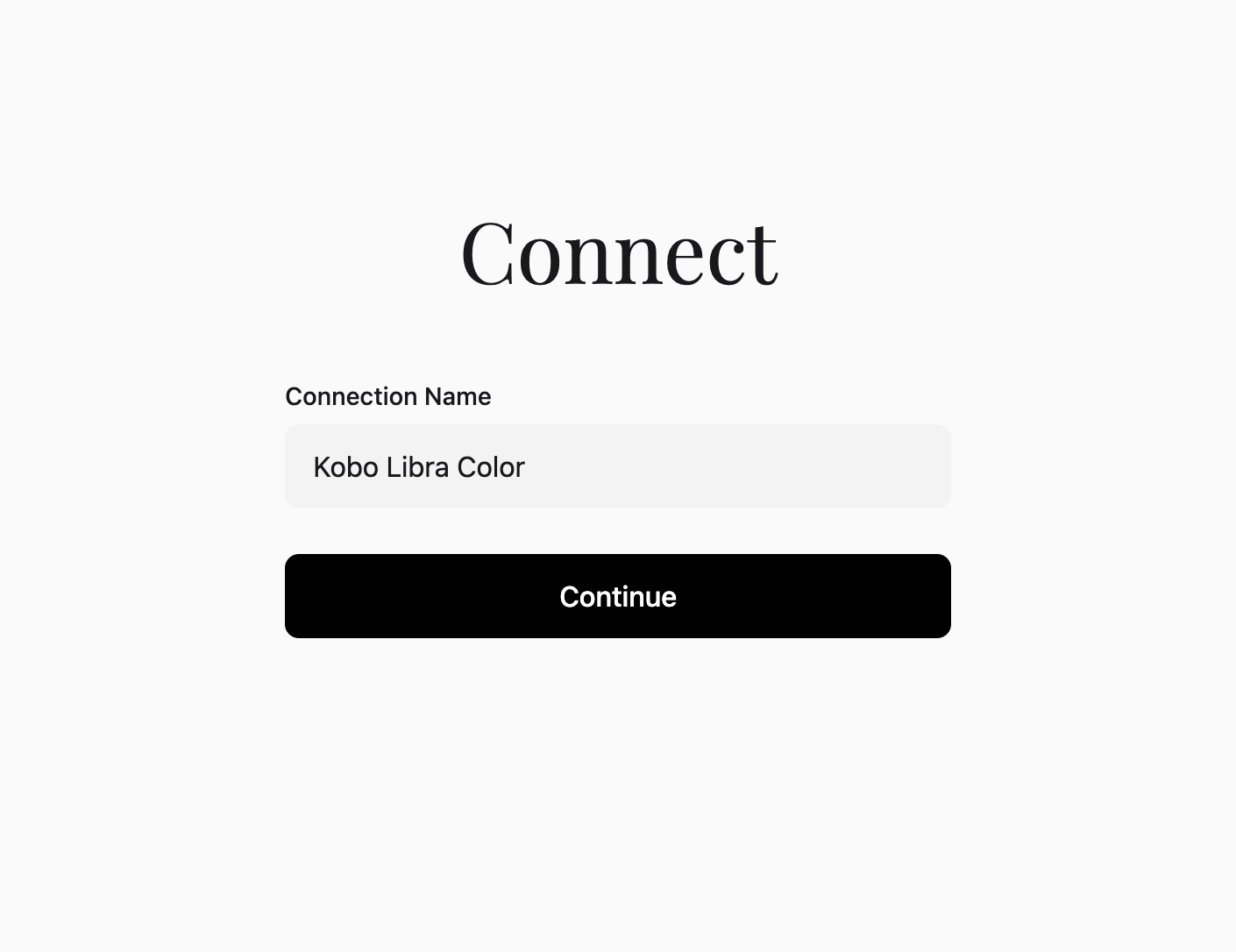
Tap the "Connect" button and follow the connection steps.
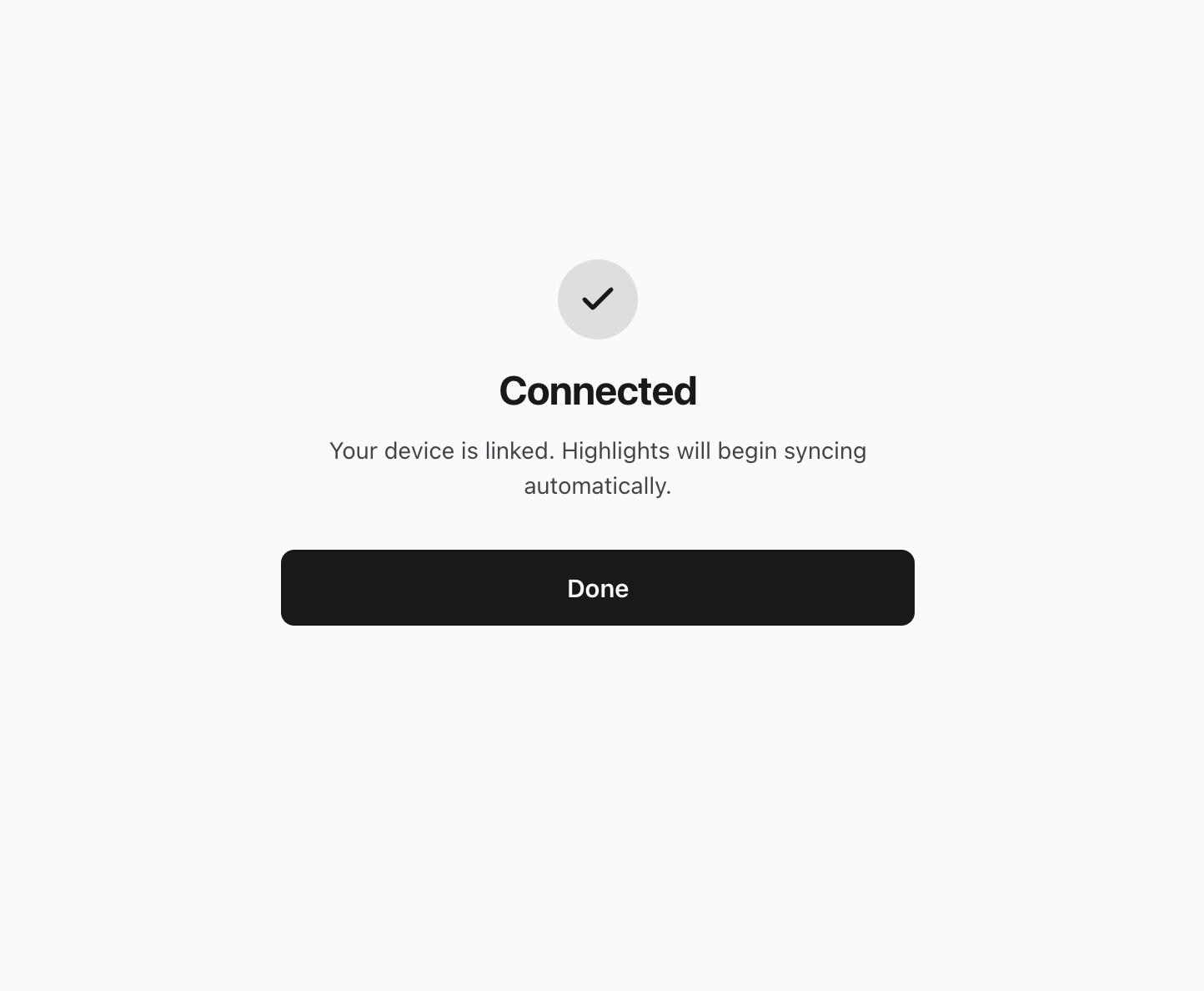
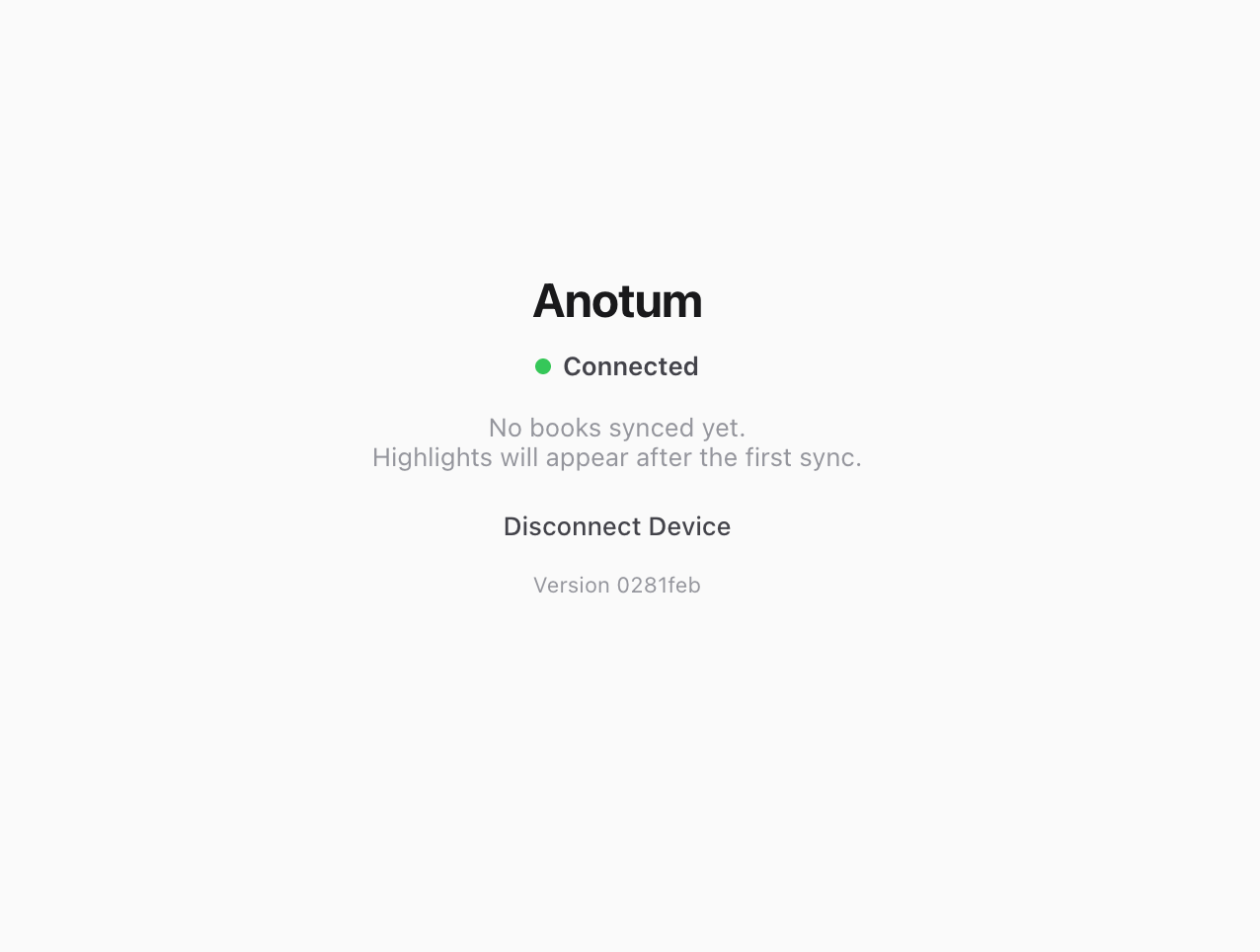
3. Wait for your annotations to sync
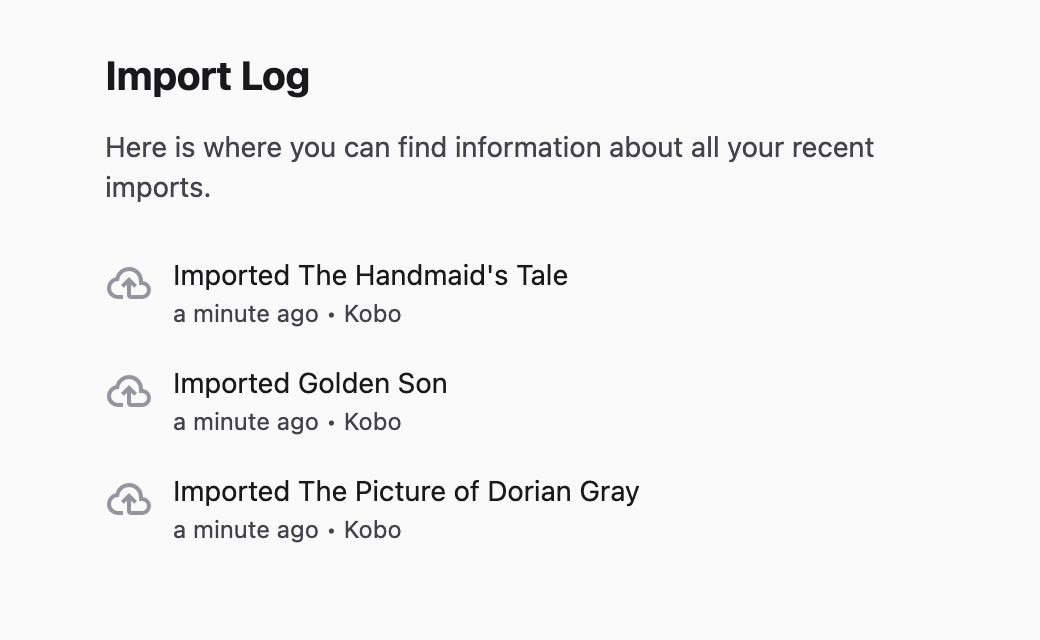
Finally, if all went according to plan your annotations should be syncing. You can refresh the page to see what already has been synced.
5. Any issues?
Did you run into any issues that you cannot figure out? Feel free to E-Mail us at help@anotum.com or by E-Mailing me personally at tbu@anotum.com.
Frequently asked questions
Does Anotum automatically sync my Kobo highlights?expand_more
Yes! By installing the Anotum on-device application, your Kobo will automatically sync your highlights and annotations directly to your Anotum account over your Wi-Fi network.
What Kobo firmware versions are supported by the Anotum sync app?expand_more
Currently, the on-device app requires your Kobo to run on firmware 4.x (the current Long Term Support version). We are actively working on an update, and once firmware 5.x is fully released, we will support that as well.
Why isn't kobo.local:5626 loading on my computer or phone?expand_more
To authorize your device, your computer (or phone) and your Kobo e-reader must be connected to the exact same Wi-Fi network. Additionally, this setup process will not work on public or guest Wi-Fi networks (like those in cafes, libraries, or hotels) because these networks block devices from talking to each other. Please try again on a private home network.
How do I uninstall it from my Kobo?expand_more
When you downloaded the zipped directory it contained an additional KoboRoot.tgz.uninstall file. Simply rename it to KoboRoot.tgz (drop the .uninstall extension) and place it in the .kobo directory on your Kobo as you did when installing. After your Kobo updates and reboots all of the Anotum contents will be gone.